
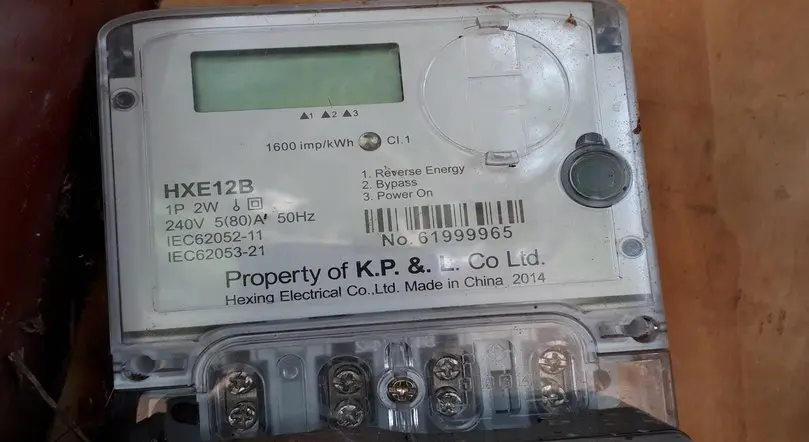
Gone are the days when checking your KPLC postpaid bill balance meant waiting for the monthly statement or physically visiting the KPLC customer care office. You can now easily check your KPLC postpaid metre bill through several ways, including the self-service online portal, the shortcode *977#, SMS or by calling customer care.
The self-service portal is the quickest option and is free, provided you have an internet connection. However, the USSD code and SMS attract a charge of 10 shillings per request.
Let’s look at each method in detail.
See also: How to Pay KPLC Postpaid Electricity Bill by Mpesa, Airtel or Equitel
Check KPLC Postpaid Bill Online
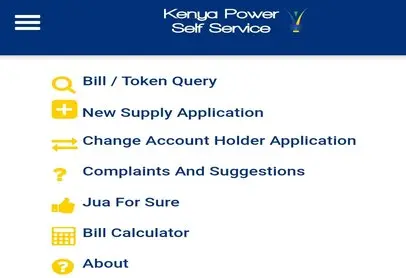
This is the simplest and most cost-effective method. Make sure you have your postpaid account number ready before proceeding.
To check your postpaid metre e-bill balance online:
- Head over to the self-service portal: selfservice.kplc.co.ke
- Select Bill / Token Query
- Select the option Account Number as the search criterion
- Next, click on the Search button
- Your account status and bill balance will be displayed
Check Postpaid Metre Balance Through USSD Code *977#

This method is currently limited to Safaricom mobile subscribers. You will be charged 10 shillings, deducted from your airtime, to view your monthly bill balance using the USSD code *977#.
See also KPLC Okoa Stima Loan: How to Register and Get Tokens on Credit.
Here’s how it works:
- From your Safaricom line, dial *977#
- Select postpaid services (Bill)
- Next, choose my bill
- Choose your account number from the list or Select Add account number
- Select the added account number
- Confirm and accept the transaction details
- You will receive an SMS with your postpaid bill details
How to Check Monthly Electricity Bill through SMS
You can also request your current postpaid metre balance by calling the KPLC customer care number at 97771 or by sending an SMS.
To know your bill balance through SMS, follow these steps:
- Open a new SMS message
- Enter your KPLC postpaid account number
- Next, send to 97771
- You will receive a text message from KPLC showing your account balance details
You need to have airtime to use this method.
In conclusion, you can check your KPLC monthly bill online, via USSD, or by SMS. The self-service portal is the cheapest option, provided you have an internet connection.
While the USSD and SMS methods come with a small fee, they don’t require internet and work on any phone.
Read also:
0 Comments