
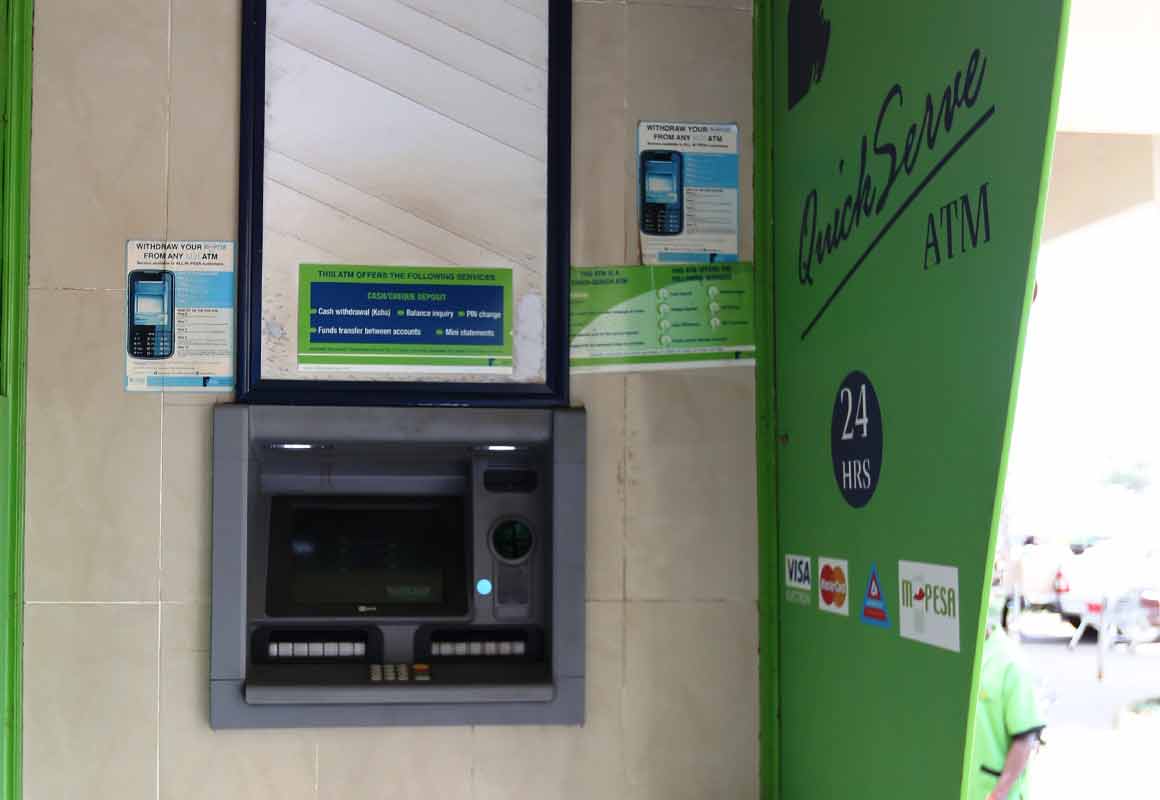
If you find yourself away from an MPesa agent and wish to withdraw money from your MPesa wallet as soon as possible, then the ATM option can help you achieve this objective conveniently. You only need your mobile phone to initiate the withdrawal and access the authorization code.
Note that the MPesa ATM withdrawal service is only available to registered MPesa users.
How to Withdraw from MPesa at an ATM Booth
Follow these two simple steps:
Step 1: Getting an authorization code on your M-Pesa line
- Open your SIM Toolkit (STK), dial *334#, or open the M-Pesa Super App or the MySafaricom App
- From the MPesa menu, select Withdraw Cash
- Next, select “From ATM”
- Enter the Agent Number (usually displayed on the ATM screen or in the booth)
- Enter your PIN
- You will receive an SMS notification from M-PESA with a 6 digit authorization code
Remember, the code expires after 10 minutes. If it expires before you finish you’ll have to repeat the process, to get a new code.

Withdrawing money from MPesa at an ATM booth
Read: How to Send Money from MPesa to Equity Bank Account
Step 2: Withdrawing from ATM
- Press or tap the M-Pesa button on the ATM
- Select to proceed in Kiswahili or English
- Enter the 6-digit authorization code from Step 1
- Enter your Safaricom mobile number
- Next, enter the amount you wish to withdraw
- Press “Continue” to finalize the transaction
- You will get the cash and a receipt
- You will also receive a notification from M-Pesa confirming the withdrawal
MPesa ATM Withdrawal Charges
You can withdraw up to a daily limit of KSh. 35,000 from an ATM. Here are the MPesa charges for withdrawing from an ATM:
| Minimum (KSh) | Maximum (KSh) | Charge (KSh) |
|---|---|---|
| 200 | 2,500 | 35 |
| 2,501 | 5,000 | 69 |
| 5,001 | 10,000 | 115 |
| 10,001 | 35,000 | 203 |
Read: How to Send Money from MPesa to Airtel Money and other Networks
0 Comments