

You might want to change your current Zuku Satellite TV package to a more premium package to get access to better content or you just want to downgrade to a lower one to cut on cost. It’s very simple to do this.
I will take you through simple steps to easily downgrade or upgrade your Zuku TV bouquet through Zuku’s self-care USSD code *502#.
But first, what are some of the services you can access through the *502# USSD code?
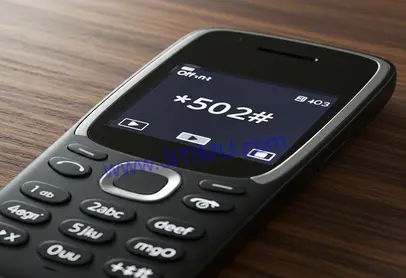
By dialing *502# you can perform the following tasks:
- View your account balance
- Check your next due date
- Generate your account mini-statement
- Pay for your Zuku package
- Upgrade or downgrade a package
See also:
How to Change Zuku Package
To switch your Zuku Satellite TV package, do the following steps on the mobile number you registered your account with Zuku:
- Dial the Zuku selfcare USSD *502#
- To upgrade your package, select Upgrade, otherwise choose Downgrade
- Next, select your account then press send
- A list of available bouquets will appear. Choose the one you desire and press send
- After a short while, you will receive a text message from Zuku notifying you of the change
You can now go ahead and pay for the new package. To pay for a package, follow these simple steps:
- Dial *502# from the line registered on Zuku
- Select Payment
- Next, select your account and then press send
- To pay with mobile money select it as your payment method
- Select the mobile money option e.g MPESA
- Next, select the service you wish to pay for (e.g ZUKU satellite TV)
- Follow through with the on-screen prompts to complete the payment
As you have seen, the steps are straightforward. But in case you get stuck somewhere, you can contact zuku customer care through any of the following means:
- TEL: 0205-205-205, 0719-028-200
- EMAIL: [email protected]
0 Comments